Hey, Team Owllo here.
If you’ve installed Owllo and started poking around, you’ve probably already noticed it can do more than you expected. Casual conversation, web search, image generation, pulling information from the web, it’s a lot. And there’s a simple way to get even more out of all of it: use the right mode for the right situation.
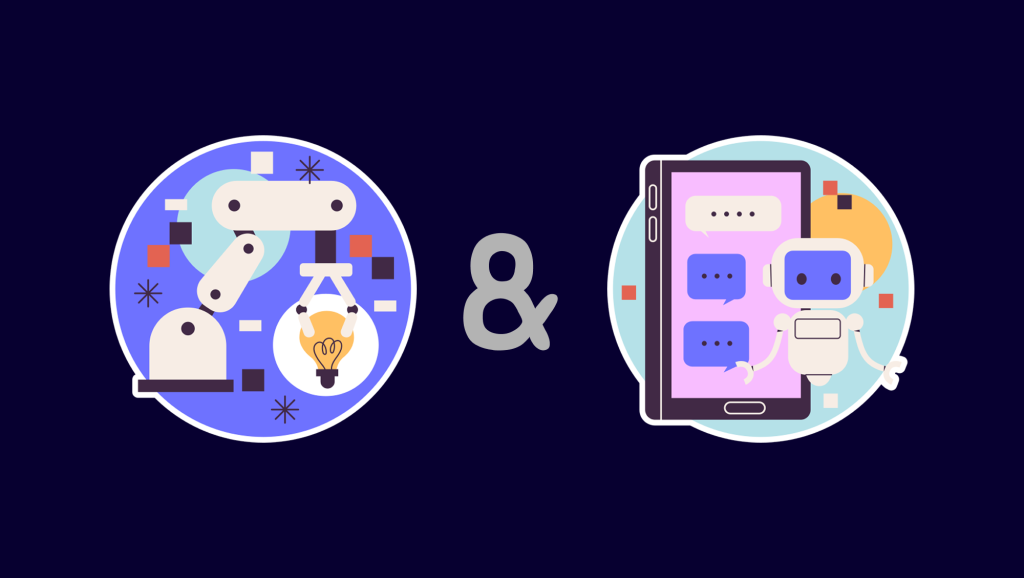
Owllo has two modes: Chat Mode and Agent Mode. They’re designed for different things, and once you understand the difference, the whole experience clicks into place.
Chat Mode is for thinking out loud
Chat Mode is exactly what it sounds like. You’re talking to your AI. Maybe you want to work through an idea, ask about something you don’t understand, vent about your day, or just kill some time. Chat Mode is built for that — fast, lightweight, responsive.
Speed is the point. Chat Mode doesn’t spin up external tools or run complex operations. It just answers. That makes it great for quick questions, tidying up a short piece of writing, running through your to-do list, or any situation where you want a natural back-and-forth without waiting around.
One thing to keep in mind: if you ask Chat Mode to search the web or organize your files, the results probably won’t be what you’re hoping for. Chat Mode is good at talking. It’s not built for doing.
Agent Mode is for getting things done
Agent Mode is where Owllo stops talking and starts working. Instead of generating a response, it takes action using your computer and external tools to actually complete tasks.
Some examples of what that looks like: ask it to search the web for the latest AI news and summarize what it finds, and it’ll do exactly that. Ask it to generate an image based on a photo you give it, and it’ll pull up the image generation skill and make something. Set it to check the USD exchange rate every morning at 9 and report back, and it’ll run that on schedule. File organization, document search by specific criteria — that kind of thing is coming in the next update.
When Agent Mode gets a request, it figures out which tools and skills to use, then works through the task step by step. That means it’s slower than Chat Mode. But it’s slower because it’s actually doing something, so give it a moment.
How to decide which one to use
The rule is simple. If you want to talk, use Chat Mode. If you want a result, use Agent Mode.
Quick question, fast answer, thinking something through, just want to chat, Chat Mode. Searching the web, handling files, generating images, setting up an automated task, switch to Agent Mode.
These two modes aren’t competing with each other. They just have different jobs. Pick the right one for what you’re trying to do, and Owllo becomes noticeably more useful. Chat when you want to talk, Agent when you want to work. That’s really all there is to it.