Owllo AI Stories
Owllo usage guides and tips, and stories about AI from the Owllo team.
-
 Featured
Your Own AI, Built for Everyone — Meet Owllo
Read More →: Your Own AI, Built for Everyone — Meet OwlloHey, first time here. We’re Team Owllo. Local Agentic AI has always been an alternative, but let’s be real. Cracking open a terminal, typing commands, manually configuring models? That’s a whole second job. Most people bounce before they even get started. OpenClaw was making waves recently, so we figured we’d give it a shot. And look, everyone on Team Owllo has been in computer science for a while. We’re not exactly first-timers. But actually getting OpenClaw to do something useful? The setup alone was a maze. If it was that rough for us, a regular user doesn’t stand a chance.…
-
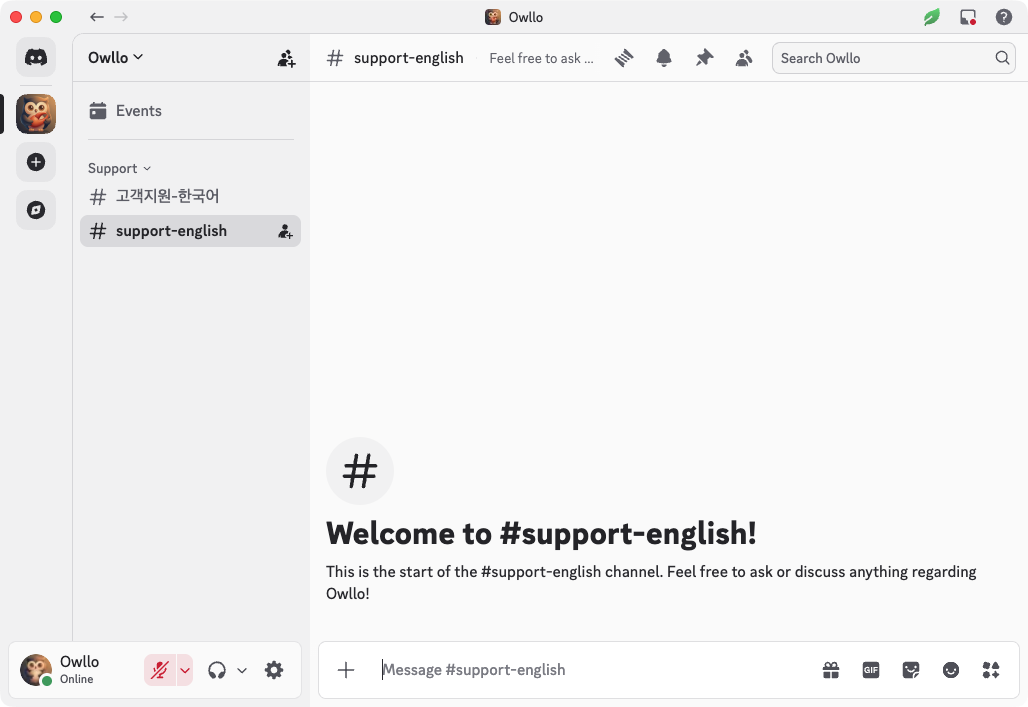
Come Talk to Us. We Set Up a Discord.
Hey, Team Owllo here. Maybe you’ve hit a question while using Owllo and weren’t sure where to ask. Maybe you’ve got a feature idea you want to throw out there. Maybe you found a bug (we hope not, but let’s be real). Maybe you just want to know when a certain update is coming. This post is about where to find us. We have a Discord server If you want to talk to Team Owllo directly, Discord is the place. Questions, feature requests, bug reports, or just something you wanted to say — all of it is welcome. No need…
-

Owllo Web: Access Your AI From Anywhere
Hey, Team Owllo here. You’re deep into a conversation with Owllo at home, then you head out and realize you want to pick up where you left off. Or you’re at work and suddenly need to ask your home AI something. Or you just want to check whether that task you queued up actually finished. That’s what Owllo Web is for. Your AI is at home. You’re not. Owllo runs locally on your computer, which normally means you need to be sitting in front of it. Owllo Web changes that. As long as you have a browser, you can connect…
-
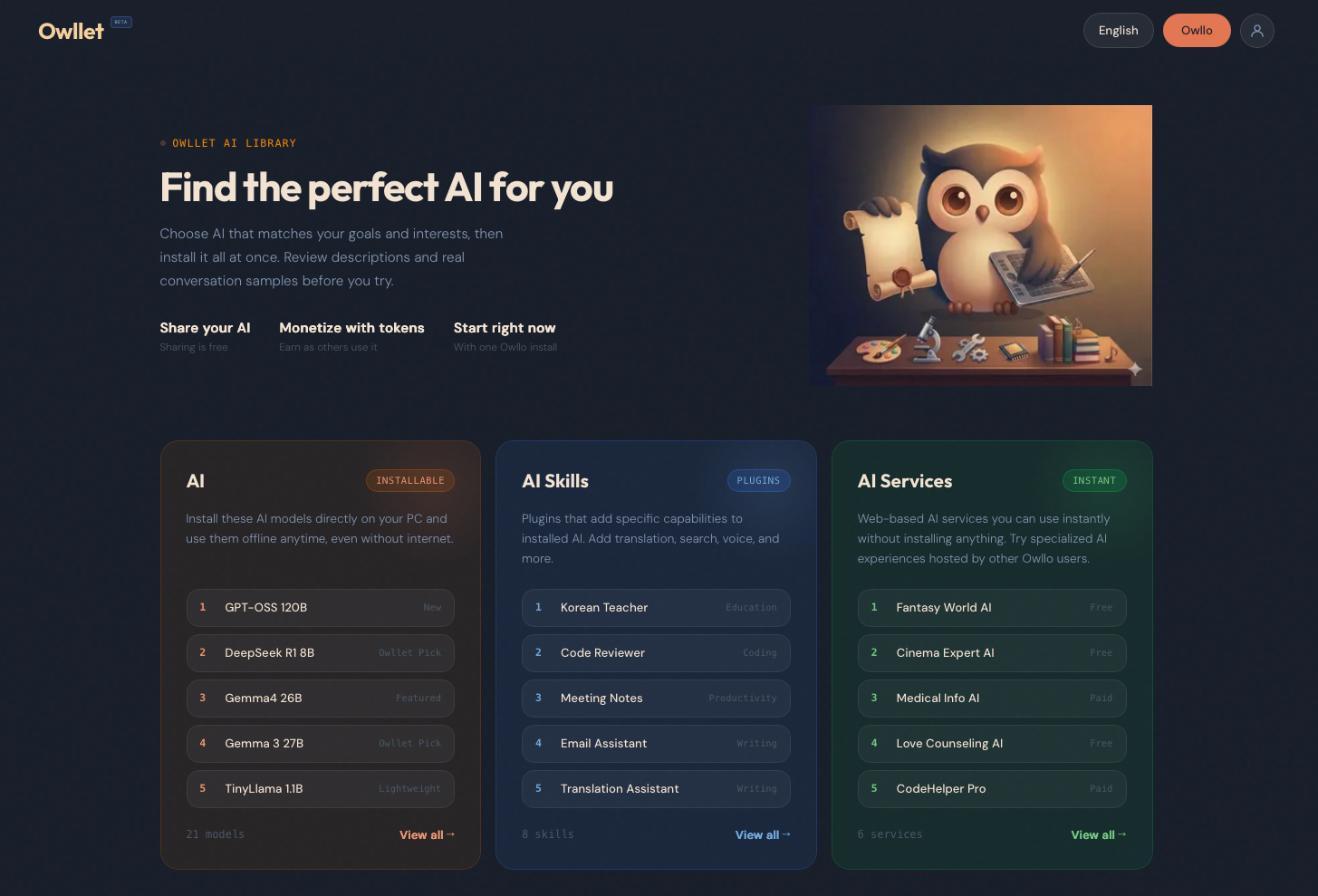
Outlet? Owllet!! What Is It, and Why Does It Matter?
Hey, Team Owllo here. Today we want to introduce Owllet.AI Think of it as an app store, except instead of apps, you’re picking AI. Models, skills, services — all in one place, all installable directly into your Owllo with one click. Three things you’ll find in Owllet First, AI models. Open-source heavyweights like Google’s Gemma, Meta’s Llama, and Microsoft’s Phi, alongside models trained for specific purposes and officially tuned models built by Team Owllo. Each listing shows you the model size, what it’s good at, its rating, and how many times it’s been installed. Finding something that fits your machine…
-

Can I Actually Train My Own AI? Meet Owllo Teacher
Hey, Team Owllo here. If you’ve spent any time with AI, you’ve probably had thoughts like these. “I wish this thing knew the world I’ve built for my novel.” “An AI that actually understands how I work would save me so much time.” “What if I could just feed it everything I have and let it learn?” Owllo Teacher is the answer to all of that. A teacher and a student The setup is straightforward. Two AIs work together: a student AI and a teacher AI. You pick the student AI you want to train. Then you give it material.…
-

Wait, It Actually Opens a Browser? Here’s How Owllo Browses the Web
Hey, Team Owllo here. If you ask Owllo to look something up and Chrome suddenly opens on its own and starts moving around the screen, don’t panic. You haven’t been hacked. Owllo is just doing its job. Why open a real browser at all? Most AI tools and automation software pull information from the web using bots or crawlers. It works fine on the surface, but hits a wall pretty quickly in practice. Modern websites have gotten good at detecting automated access, and when they do, they block it. So you ask for a web search and get back “unable…
-
Chat Mode and Agent Mode — Getting the Most Out of Owllo
Hey, Team Owllo here. If you’ve installed Owllo and started poking around, you’ve probably already noticed it can do more than you expected. Casual conversation, web search, image generation, pulling information from the web, it’s a lot. And there’s a simple way to get even more out of all of it: use the right mode for the right situation. Owllo has two modes: Chat Mode and Agent Mode. They’re designed for different things, and once you understand the difference, the whole experience clicks into place. Chat Mode is for thinking out loud Chat Mode is exactly what it sounds like.…
-

After You’re Gone, Your AI Remains
Hey, Team Owllo here. Have you ever thought about this? The decades of experience you’ve built up. The way you phrase things. How you see problems. How you comfort someone when they’re struggling. Your voice, your expressions, the things only the people closest to you would recognize. What if none of that had to disappear when you did? We leave behind money, photographs, letters. But there’s never really been a way to leave behind yourself — not in any meaningful sense. You can write volumes and record hours of video, but that’s documentation. It doesn’t talk back. It can’t respond to a…
-
Gemma 4 — Here’s What It Means for Owllo Users
Hey, Team Owllo here. On April 3rd, Google released Gemma 4, a new open-weight AI model built on the same research behind Gemini 3. It’s free to use commercially, modify, and redistribute. For anyone running local AI, this is worth paying attention to. Here’s a breakdown of each model and how to figure out which one fits your machine. Four models, four different use cases Gemma 4 comes in four sizes: E2B, E4B, 26B MoE, and 31B Dense. All of them handle text and image input, and the smaller models also support audio. The E2B is the lightest of the…
-

Can Owllo Do What the Big Cloud AIs Can Do?
Hey, Team Owllo here. Today we want to talk honestly about what Owllo can’t do yet, why it can’t do it yet, and when that’s going to change. If you’ve been using Owllo and have questions, this one’s for you. We probably should lead with what Owllo does well — that’d make for a more exciting read. But cloud AI has been moving at an almost absurd pace lately, and we’d rather be straight with you: a locally-run AI on your own machine isn’t going to match that. Not yet. We’re closing the gap faster than you might expect (some of what…