Hey, Team Owllo here.
You’re deep into a conversation with Owllo at home, then you head out and realize you want to pick up where you left off. Or you’re at work and suddenly need to ask your home AI something. Or you just want to check whether that task you queued up actually finished. That’s what Owllo Web is for.
Your AI is at home. You’re not.
Owllo runs locally on your computer, which normally means you need to be sitting in front of it. Owllo Web changes that. As long as you have a browser, you can connect to your AI from a coffee shop, the office, or your phone and continue right where you left off.
One condition: your computer at home needs to be on. Owllo runs on your machine, so if the machine is off, there’s nothing to connect to. Get in the habit of leaving it running when you head out.
Do I have to make an account?
Yes, and here’s why. We would have preferred to skip the signup step entirely. But giving a web browser remote access to your computer requires verifying that it’s actually you connecting. There was no way around it from a security standpoint, and we’d rather be upfront about that than pretend otherwise.
That said, the process is about as painless as it gets. Enter your email address, confirm the verification code that gets sent to you, and you’re done. No password to set. No personal information beyond your email. No card required.
How to set it up
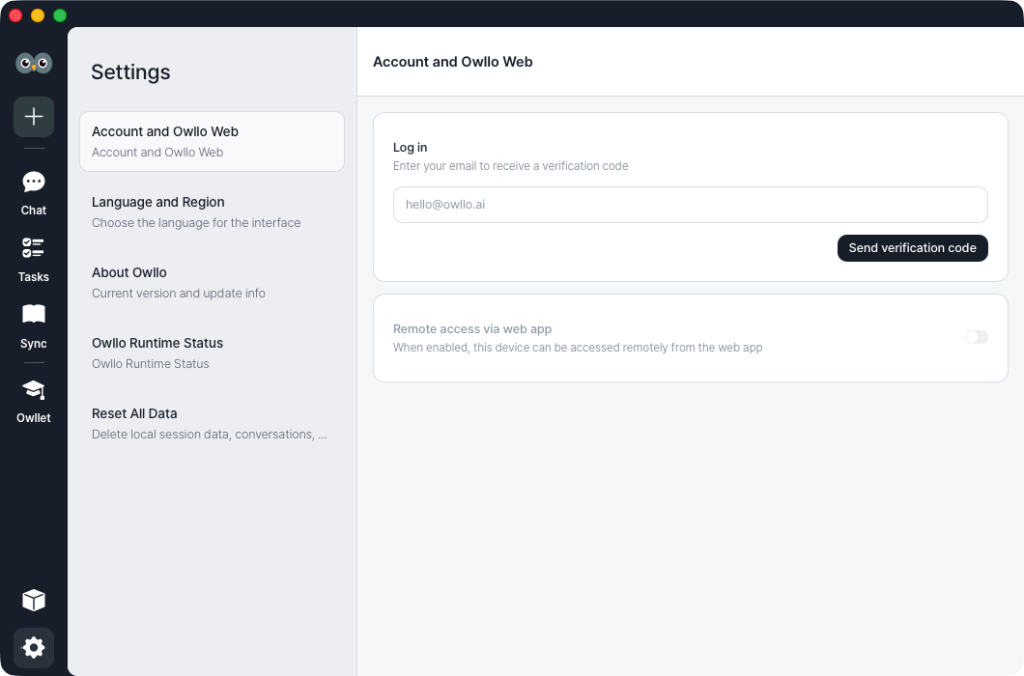
Open the Owllo app and hit the settings button at the bottom of the sidebar. Go to the “Account and Owllo Web” tab and sign in with your email. If you haven’t signed up yet, you can do it right there from the same screen.
Once you’re logged in, check the box to enable Owllo Web and that’s it. When you’re away from home, go to owllo.ai in any browser, click “Owllo Web” in the top right corner, sign in with the same email, and you’re talking to your AI.
How does a local AI work remotely?
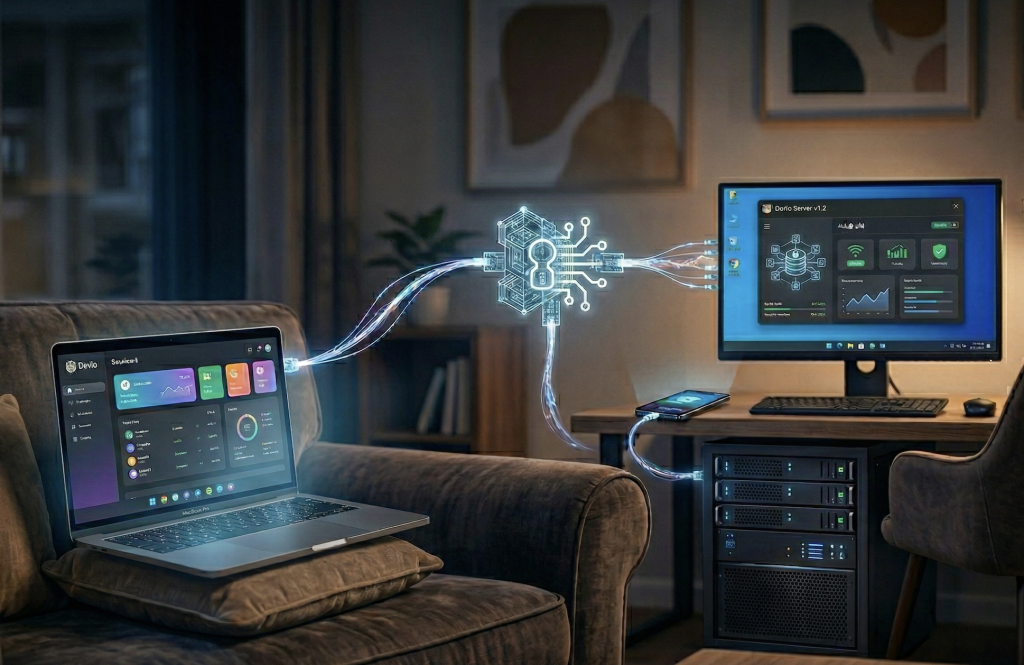
Fair question, and we get why it might feel a little strange or even concerning. Owllo Web doesn’t move your AI to the cloud. It creates a secure tunnel to the Owllo instance running on your computer. Your data stays on your machine. Your conversations are processed on your PC. Being away from home doesn’t change any of that.
Owllo’s servers have no visibility into your conversations or your data. Everything passing between the browser and the app is end-to-end encrypted, meaning Owllo itself cannot read any of it. What happens in the tunnel stays in the tunnel.
Your AI is always on, always waiting. Open a browser and say hello.